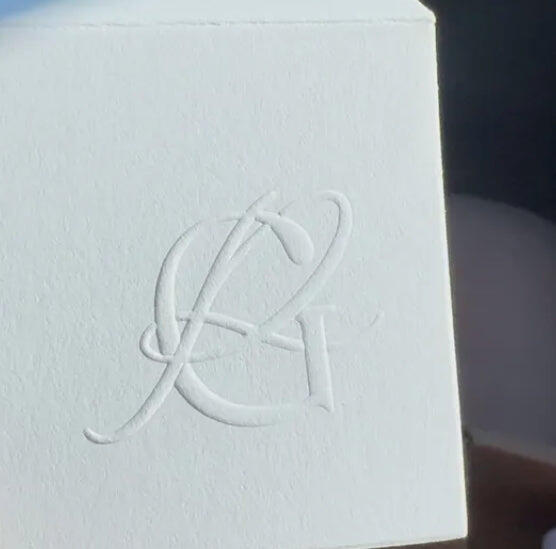



カスタムスリーピングキャットブックエンボッサー
カスタムスリーピングキャットブックエンボッサー
SKU:P4930-00002
Bij het kiezen van een embosser richt je je misschien op patroonontwerp, matrijsmateriaal of precisie—maar vergeet de oriëntatie niet. De oriëntatie van een embosser is cruciaal, omdat verschillende typen geschikt zijn voor verschillende situaties.
Deze gids gaat dieper in op de oriëntatie van embossers en helpt je de juiste embosser te kiezen en effectief te gebruiken.
Wat is embosser-oriëntatie?
Embosser-oriëntatie verwijst naar de oriëntatie van het patroon op de pagina tijdens het embossen, oftewel de manier waarop het patroon wordt weergegeven. Eenvoudig gezegd bepaalt de oriëntatie vanuit welke richting het geembossde patroon de pagina betreedt en onder welke hoek het wordt weergegeven.
De oriëntatie van een embosser is gewoonlijk onderverdeeld in vier typen: boven, onder, links en rechts.

Waarom moet een embosser rekening houden met oriëntatie?
De dieptebeperking van embossers
Als je dieper wilt embossen, overweeg dan een desktop embosser.

Aanpasbaarheid aan gebruiksscenario's
Naast de beperkingen van het mechanische ontwerp wordt de keuze van oriëntatie ook beïnvloed door het daadwerkelijke gebruiksscenario. Verschillende papiersoorten (zoals documenten, brieven, kaarten, enz.) hebben verschillende toepasselijke oriëntaties.
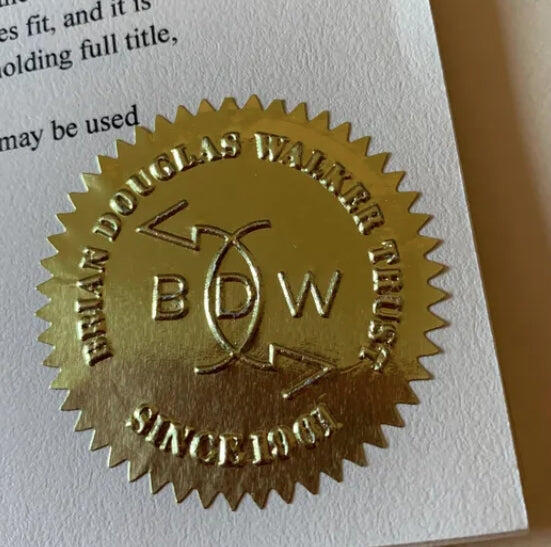
Oorkonden worden bijvoorbeeld vaak horizontaal opgemaakt, en het geembossde embleem of de decoratie moet consistent blijven met de oriëntatie van de tekst, waardoor een onder-oriëntatie vaak de voorkeurskeuze is.
De juiste Embosser-oriëntatie kiezen die bij jou past
De oriëntatie van een embosser hangt af van het gebruiksscenario en de ontwerpbedoeling.
Certificaten, enveloppen en documenten gebruiken doorgaans een onder-oriëntatie, omdat het patroon vaak onderaan het briefpapier wordt geembost. Boeken, contracten en brochures zijn geschikt voor een rechter oriëntatie, terwijl briefhoofden en visitekaartjes het beste werken met een boven-oriëntatie. Een artistieke kaart kan daarentegen profiteren van een zij-oriëntatie om ervoor te zorgen dat het embossbereik het effectieve gebied dekt.
Hieronder staan veelvoorkomende keuzes voor embosser-oriëntatie:
| Gebruiksscenario | Embosser-oriëntatie |
|---|---|
| Certificaten, tickets, documenten | Onder-oriëntatie |
| Boeken, verpakkingen, officieel gebruik | Rechter oriëntatie |
| Briefhoofden, naamkaartjes | Boven-oriëntatie |
Heb je nog moeite met het kiezen van een oriëntatie? Vertel Stamprints gerust je wensen, en we lossen het samen op!
Productdetails
Productdetails
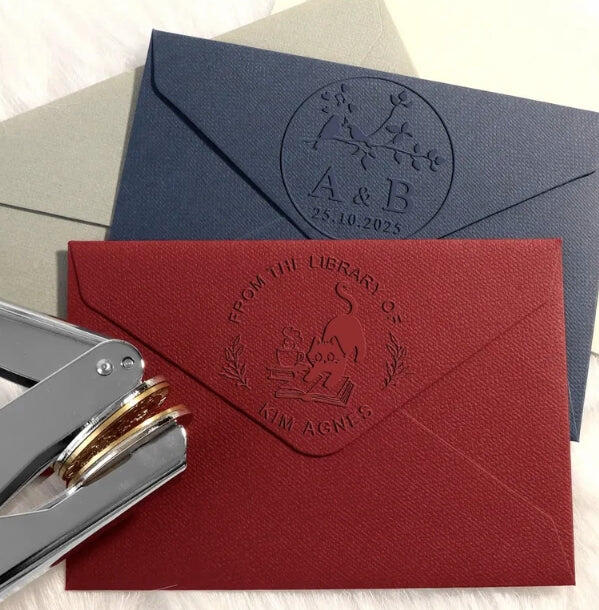
夢見る猫のシールメーカー
カスタムエンボッサー、とても幸せなお昼寝。
眠っている猫たちは、とても穏やかな光景で、
静かな情景の中に、愛を込めて。
優しく押すと、猫たちは居眠りをする。
夢が描かれる紙のキャンバスに。
穏やかな喉の音に込められた愛の真髄、
このエンボス加工機では、記憶がぼやけます。
猫たちが心地よいベッドで夢を見るように、
このエンボス加工機で、ハートが養われます。
ちょっとした慰め、守られた約束、
猫が眠るように、あなたの愛を刻み込んでください。
軽いタッチで絆を強め、
このエンボス加工機があれば、あなたの愛は飛び立ちます。
温もりの感触、明るい思い出、
この芸術の道具で、あなたの心は一つになります。
Doorlooptijd & Verzending
Doorlooptijd & Verzending
Vriendelijk retourbeleid
Vriendelijk retourbeleid
この商品をシェアする
Houd ervan of we lossen het op
We zijn trots op elk product dat we maken. Elk probleem, op elk moment — we zijn toegewijd aan uw volledige tevredenheid.
Kwaliteit & Vakmanschap
Het Stamprints Verschil: Ontwerp, Precisie, Kwaliteit

Premium Aangepast

Precisie Graveren

Hoogwaardige Materialen

Authentieke ontwerpen
Gebruiksscenario's
Manieren om uw Embosser te gebruiken

Merklabel

Uitnodigingen

Boekcollectie
Aangepast Proces
Jouw Visie, Geperfectioneerd: Onbeperkt Pro Design

1. Bestand uploaden

2. Gratis ontwerp

3. Beoordelen & Goedkeuren

4. Productie

5. Snelle levering
Uw Embosser Samenstellen
Stap 1
Verwijder de matrijsplaat voorzichtig van het uiteinde van de embosser.
Stap 2
Knijp de matrijs samen en steek hem in de houder met de cirkelvormige kant naar boven.
Stap 3
Knijp de matrijs samen en zorg ervoor dat de twee inkepingen aan de onderkant van de matrijs vastklikken in de embosser.
Stap 4
Plaats het papier correct tussen de mal, druk vervolgens stevig naar beneden met de handgrepen.

Waarom kiezen voor Stamprints
| Functie | Stamprints | Marktplaats | Lokale winkel |
| Aanpassing | Premium | Basis | Premium |
| Ontwerpservice |

|

|
|
| Graveren |

|
|
|
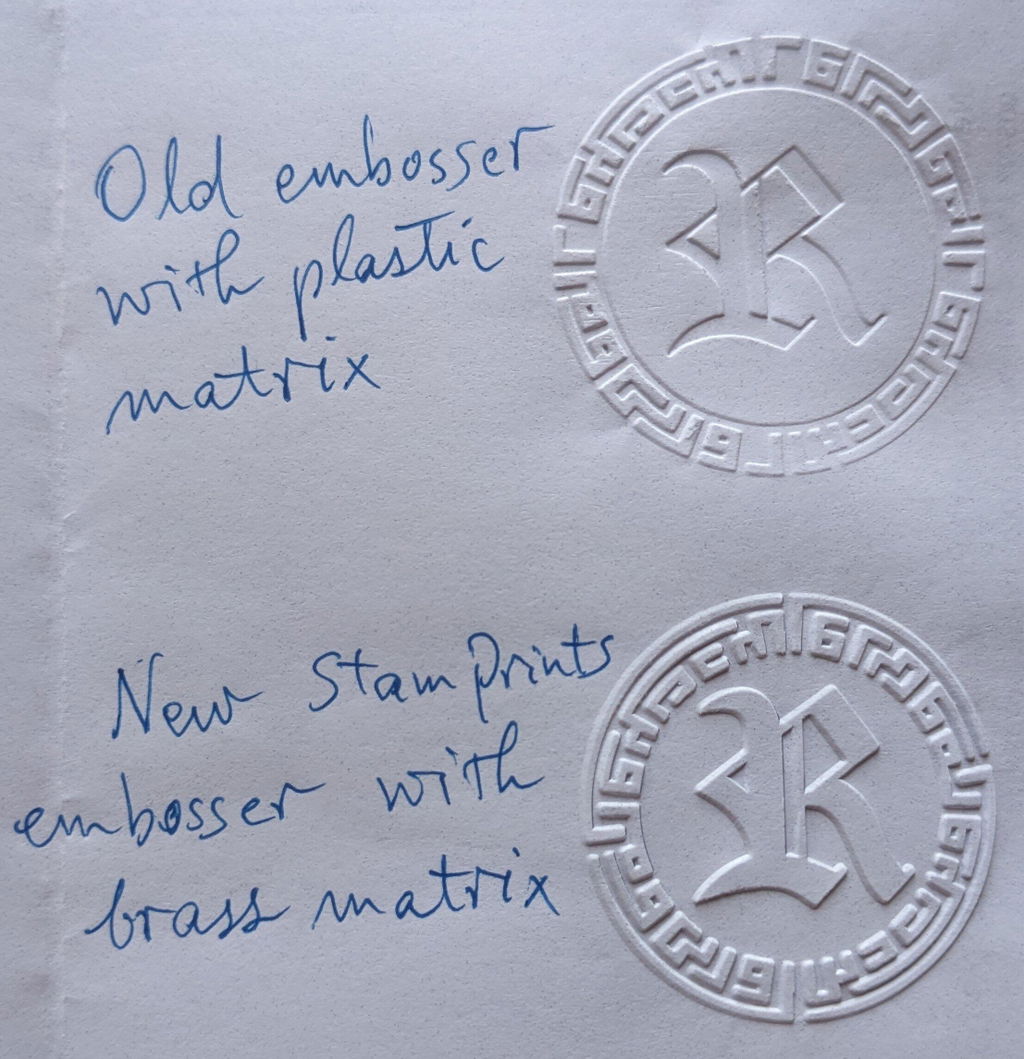
| Materiaal | Messing | Plastic | Messing |
| Prijs | $50-$100 | $30-$90 | $200+ |
| Bezorging | 7-14d | 15-30d | 30d+ |
| Klantenservice | 24/7 Online | Platformondersteuning | Persoonlijk |
| Retourbeleid | 30 dagen retourneren | Niet retourneerbaar | Geval per geval |
| Garantie | Levenslang | None | 1 Jaar |